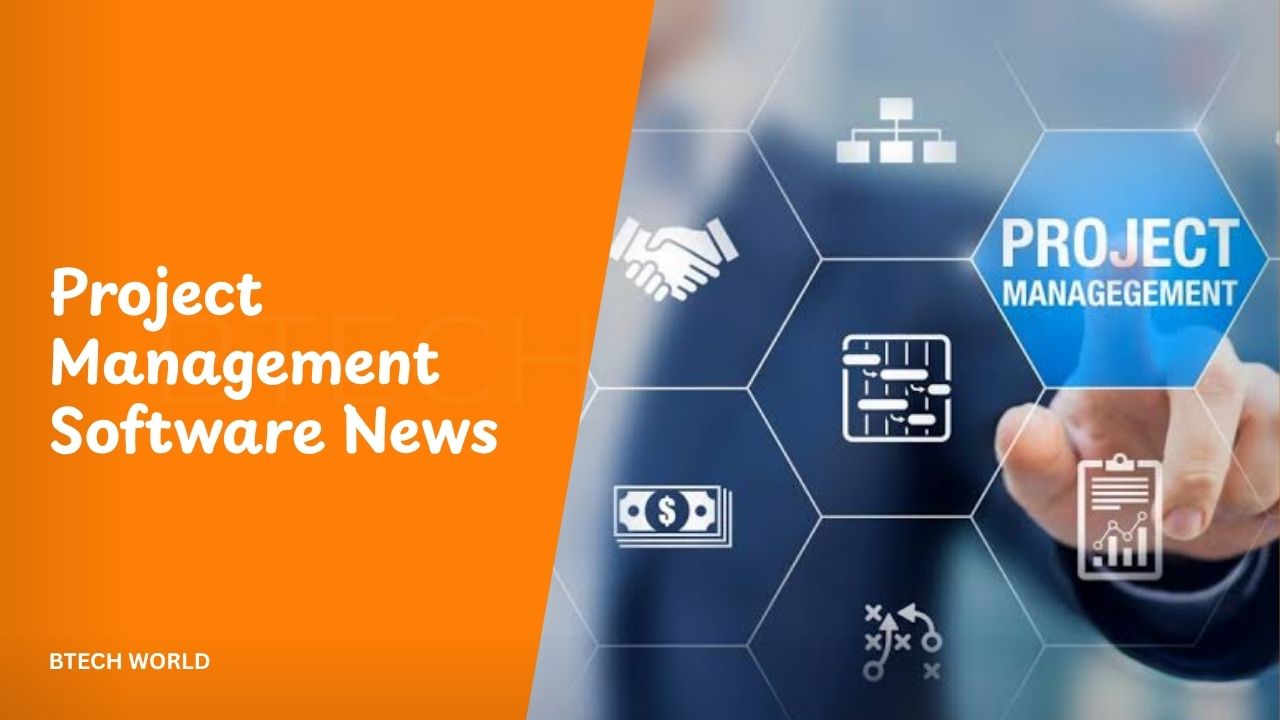
Project Management Software News: Latest Trends, Updates, and Innovations

Project management software is evolving as businesses search for better ways to organize tasks, coordinate teams, and complete projects efficiently. In 2026, artificial intelligence, workflow automation, and connected digital workspaces are shaping the industry’s direction. Software providers are developing tools that help teams manage responsibilities, track progress, and reduce repetitive administrative work.
These changes are important for businesses of every size. Small teams need affordable tools that simplify daily operations, while large organizations require advanced reporting, resource planning, and security controls. Understanding the latest project management software trends can help businesses choose the right solutions and prepare for changing workplace demands.
Artificial Intelligence Is Changing Project Management
Artificial intelligence has become a major focus in project management software. Many platforms now use AI to summarize project updates, generate task descriptions, organize information, and assist with routine planning activities.
In October 2026, AI capabilities are increasingly moving beyond simple text generation. Software providers are exploring AI agents that can carry out assigned tasks, interact with project information, and support workflows across connected applications. These developments could help project managers spend less time on administration and more time on leadership.
However, AI still requires human supervision. Project managers must review recommendations, verify important information, and ensure that automated actions follow company policies. AI can support decision-making, but successful project delivery still depends on clear communication and sound judgment.
Major Software Providers Are Expanding AI Features
Leading project management companies are investing in AI-powered capabilities. ClickUp is developing tools that connect AI assistance with tasks, documents, and team communication. Asana is expanding its AI Teammates and workflow capabilities, while monday.com is positioning its platform around collaboration between employees and AI agents.
These developments reflect a wider industry shift toward software that helps teams complete work rather than simply record it. Instead of manually checking every task, users may increasingly rely on assistants to summarize progress, identify missing information, or recommend the next action.
Businesses should still compare these features carefully. AI availability can depend on subscription plans, usage limits, and additional charges. Before choosing a platform, teams should identify the tasks they want to automate and test whether the available features provide meaningful improvements.
All-in-One Workspaces Are Becoming More Popular
Another important trend is the growing demand for unified workspaces. Businesses often use separate applications for project tracking, document storage, messaging, scheduling, and reporting. Switching between these systems can waste time and make important information difficult to find.
Modern project management platforms increasingly combine these activities in one environment. Teams can organize assignments, share documents, review progress, and communicate about project changes without constantly moving between disconnected applications.
A unified workspace can also improve accountability. When tasks, deadlines, and discussions remain connected, employees can understand their responsibilities more easily. However, companies should avoid adopting unnecessary features simply because they are available. The best platform is one that supports existing workflows without creating additional complexity.
Workflow Automation Is Saving Time
Workflow automation allows teams to establish rules that trigger actions automatically. For example, software can notify a manager when a deadline approaches, assign a review task after a document is submitted, or update a project’s status when specific conditions are met.
These features reduce repetitive administrative work and help teams follow consistent processes. Marketing departments can automate campaign approvals, software teams can manage development tasks, and service businesses can organize customer requests through predefined workflows.
AI is making automation more flexible by allowing users to describe certain tasks in natural language. Nevertheless, automated workflows should be tested before being introduced across an organization. Incorrect rules can generate unnecessary notifications or assign responsibilities to the wrong people.
Integration With Other Business Applications
Project management software rarely operates in isolation. Businesses depend on communication platforms, file storage services, customer relationship management systems, accounting tools, and development applications.
Integrations help connect these systems and reduce duplicate data entry. Employees can receive updates through communication tools, attach documents to project tasks, and connect project information with reporting applications.
AI-related integrations are also gaining attention. Technologies such as the Model Context Protocol can help compatible AI applications connect with external tools and information sources. This creates new opportunities for retrieving project information and performing supported actions through connected assistants.
Security remains essential when connecting applications. Administrators should review permissions, authentication requirements, and the information that external services can access before enabling an integration.
Better Reporting and Project Analytics
Project reporting is becoming more useful as platforms improve their dashboards and analytical capabilities. Managers need to understand whether projects are progressing according to schedule, whether employees have manageable workloads, and whether spending remains within approved budgets.
Modern dashboards can bring together task completion, deadlines, milestones, and workload information. AI-assisted summaries may also help managers identify important changes without reviewing every individual update.
Reliable reporting depends on accurate data. If employees do not update task statuses or record realistic estimates, reports may present a misleading picture of project performance.
Businesses should establish clear reporting practices and assign responsibility for maintaining project information. Consistent data makes dashboards more valuable and helps managers identify potential problems before they become serious delays.
Resource Planning and Workload Management
Resource planning is another important area of development. Project managers must balance deadlines, employee availability, budgets, and competing priorities. Assigning too much work to a small number of employees can create bottlenecks and reduce overall productivity.
Project management platforms help organizations visualize workloads and identify scheduling conflicts. Some also provide portfolio-level views that allow managers to compare projects and decide how resources should be distributed.
These capabilities are particularly useful for agencies, construction businesses, consulting firms, and organizations managing several projects simultaneously. Managers can use workload information to adjust schedules, redistribute responsibilities, and establish more realistic deadlines.
Although software can highlight potential problems, managers must still consider employee experience, project complexity, and changing business priorities when making final decisions.
Security and Data Privacy Remain Important
As project management platforms store more confidential business information, security has become a critical consideration. Project records may include customer details, internal documents, budgets, employee assignments, and strategic plans.
Businesses should review access controls, authentication options, audit records, and data-retention policies before adopting a platform. They should also understand how providers handle information processed through AI features and external integrations.
Companies using AI agents need clear rules about which actions can happen automatically and which require approval. Sensitive financial changes, permission updates, and other high-impact activities may need additional safeguards.
Security should be evaluated alongside usability and price. A platform that offers powerful automation but lacks suitable administrative controls may not be appropriate for an organization handling confidential information.
Choosing the Right Project Management Software
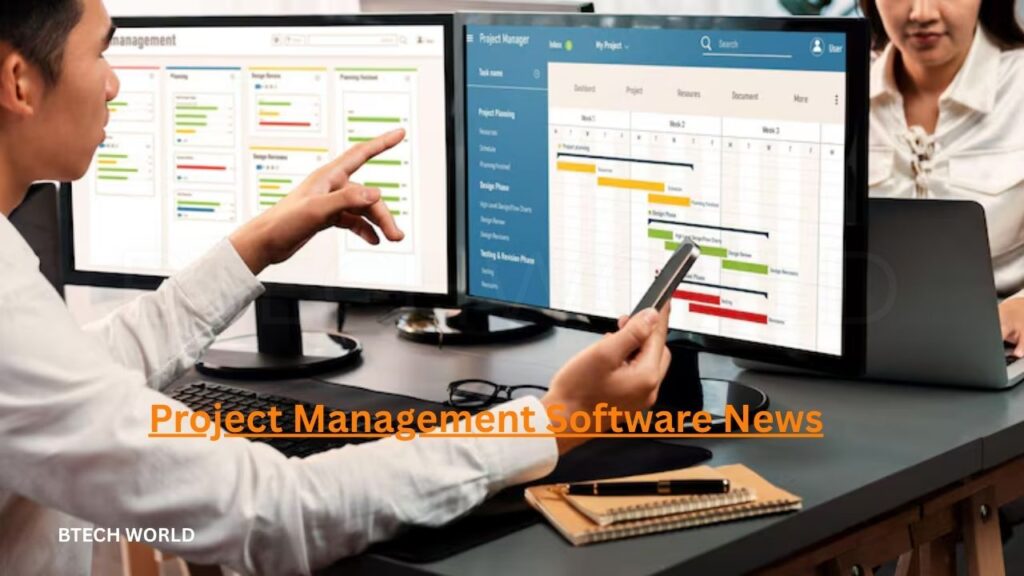
Selecting the right platform starts with understanding how a team works. Small businesses may need simple task lists, deadlines, and collaboration features. Software development teams may prioritize issue tracking, sprint planning, and connections with development tools.
Larger organizations often require resource management, portfolio reporting, advanced permissions, and detailed administrative controls. Businesses should compare platforms based on their actual needs rather than choosing the one with the longest feature list.
Important factors include ease of use, integration options, security, pricing, customer support, and scalability. Teams should also examine whether AI features are included in their subscription or require additional payments.
Testing a platform with a real project is often the most effective way to evaluate it. A trial can reveal whether employees understand the interface, whether workflows operate correctly, and whether the software genuinely improves daily operations.
What to Expect From Project Management Software
The industry is likely to continue developing around AI assistance, automation, connected applications, and more detailed project insights. AI agents may increasingly handle routine administrative activities, while project managers focus on planning, communication, risk assessment, and strategic decisions.
Businesses may also see greater emphasis on explaining automated decisions and maintaining clear records of AI-generated actions. These safeguards will become important as organizations allow software to perform more complex tasks.
However, technology alone cannot guarantee successful projects. Teams still need realistic schedules, clear responsibilities, appropriate budgets, and effective leadership. The most valuable software will be the solution that supports these fundamentals while reducing unnecessary work.
Conclusion
Project management software news in 2026 highlights the growing importance of artificial intelligence, workflow automation, unified workspaces, integrations, and improved reporting. These developments are changing how businesses plan work, coordinate employees, and monitor project performance.
For organizations considering new tools, the priority should be practical value rather than novelty. Businesses should evaluate security, pricing, usability, and the quality of automation before changing their existing systems.
By following industry developments and testing useful features carefully, teams can make better technology decisions and improve their project management processes without adding unnecessary complexity.
Frequently Asked Questions
Q1. What is project management software news?
Project management software news covers new product features, company announcements, AI developments, integrations, security improvements, and other changes affecting project management tools.
Q2. What is the biggest project management software trend in 2026?
AI-assisted workflows and AI agents are major trends. Providers are developing capabilities that help teams summarize updates, automate routine tasks, and coordinate work across connected applications.
Q3. Which project management platforms offer AI features?
Platforms such as ClickUp, Asana, monday.com, Jira, Notion, and Smartsheet offer various AI-related capabilities. Available features and pricing depend on the provider and subscription plan.
Q4. How can project management software improve productivity?
It can organize tasks, clarify responsibilities, track deadlines, automate repetitive processes, and improve communication. The benefits depend on selecting suitable tools and maintaining accurate project information.
Q5. How can businesses keep up with software updates?
Businesses can monitor official product announcements, review release notes, and test new features with real projects. Regular evaluations help organizations determine which updates provide practical benefits.
Explore More BTECH WORLD