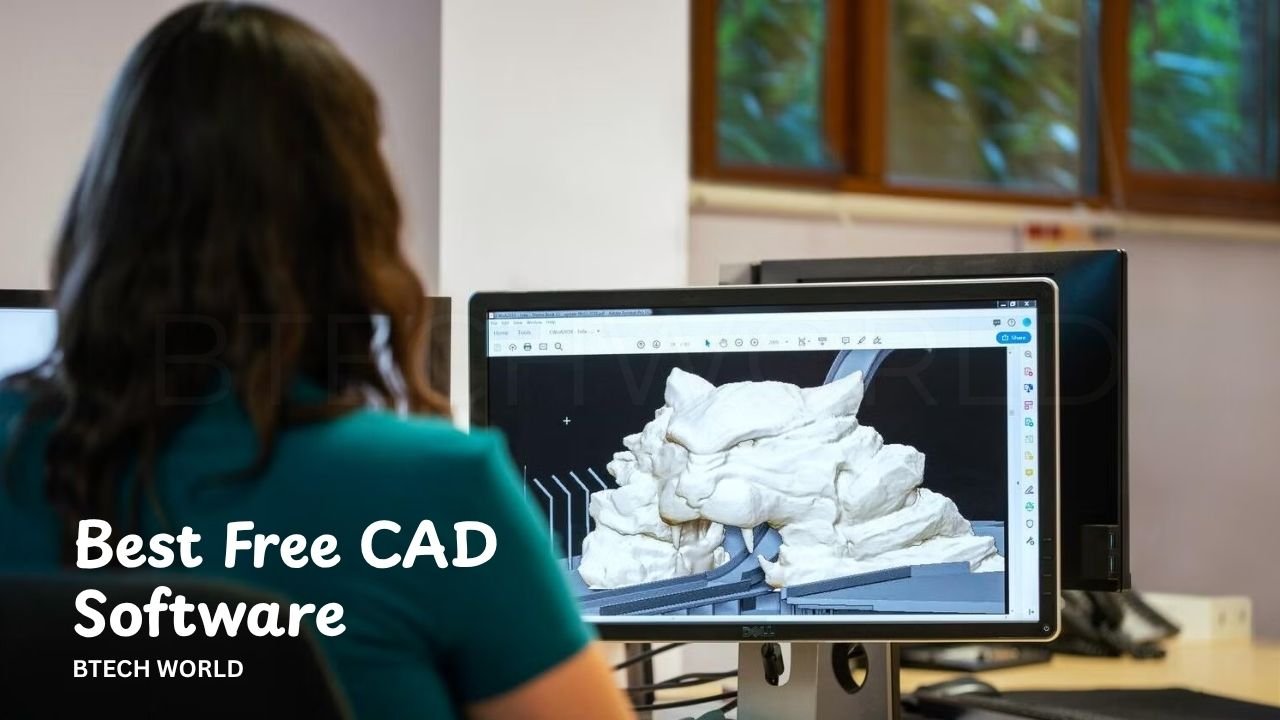
Best Free CAD Software Top Tools for Beginners and Professionals

Computer-Aided Design (CAD) software helps users create accurate 2D drawings and 3D models for engineering, architecture, product design, manufacturing, and personal projects. However, professional CAD programs can be expensive, especially for students, beginners, and independent designers. Fortunately, several free CAD tools provide useful design features without requiring a paid subscription.
The best free CAD software depends on the type of project you want to create. Some programs focus on mechanical engineering and detailed 3D models, while others are designed for simple 2D drawings or beginner-friendly designs. This guide explores popular free options, their main features, advantages, and limitations to help you choose the right software.
Key Takeaways
- FreeCAD is a strong open-source choice for parametric 3D modeling and engineering projects.
- LibreCAD is suitable for 2D technical drawings and drafting.
- Tinkercad makes basic 3D design easier for beginners.
- OpenSCAD is useful for creating accurate models through programming.
- Onshape offers browser-based CAD tools, but its free plan makes documents public and limits use to non-commercial projects.
FreeCAD: Best Overall Free CAD Software
FreeCAD is one of the strongest free CAD programs for users who need detailed 3D modeling tools. It is open-source software designed mainly for mechanical engineering, product design, architecture-related projects, and technical modeling. Its parametric modeling system allows users to change design dimensions and update models without rebuilding everything from the beginning. This makes it useful for creating machine parts, product components, and other designs that require accurate measurements.
Another useful feature is its collection of workbenches, which provide tools for different design tasks. Users can work with sketches, solid models, technical drawings, and other engineering workflows. FreeCAD supports several common file formats, including STEP and STL, making it useful for sharing models and preparing designs for 3D printing. It is available for Windows, macOS, and Linux without a subscription fee.
LibreCAD: Best for 2D Technical Drawings
LibreCAD is a free, open-source CAD application focused on two-dimensional drafting. It is a practical option for users who need to create floor plans, mechanical drawings, technical diagrams, and other flat designs. The software provides common drafting tools, including lines, circles, arcs, dimensions, and layers. Its interface may look familiar to people who have used traditional CAD applications, although new users may need some time to understand its tools.
One of LibreCAD’s main advantages is that it does not require a paid license or subscription. It supports DXF files, which are commonly used for exchanging technical drawings between design applications. Users can also export drawings into formats such as PDF and image files, depending on their workflow. However, LibreCAD is designed for 2D work rather than 3D modeling, so it is not the right choice for users who need complex three-dimensional objects.
Tinkercad: Best Free CAD Software for Beginners
Tinkercad is a browser-based design application developed by Autodesk. It is particularly useful for beginners who want to understand basic 3D modeling without learning a complicated professional interface. Users can create objects by combining simple shapes, adjusting their sizes, and moving them around a workspace. This visual approach makes it easier to understand how three-dimensional designs are built, especially for students and people starting their first design projects.
The platform is also useful for basic 3D printing projects, classroom activities, and simple product concepts. Since Tinkercad works through a web browser, users do not need to install a large desktop application to get started. Its tools are easier to learn than advanced engineering software, but they also have limitations. Designers working on detailed mechanical components, advanced assemblies, or highly precise engineering models may eventually need a more powerful CAD application.
OpenSCAD: Best for Code-Based 3D Modeling
OpenSCAD is a different type of CAD software because it allows users to create 3D models by writing code. Instead of building every object through mouse-based drawing tools, designers describe shapes and dimensions using a scripting language. The software then generates the model from those instructions. This approach is especially useful for people who enjoy programming or need to create accurate objects that can be changed through numerical parameters.
OpenSCAD is commonly used for mechanical parts, configurable designs, and certain 3D printing projects. For example, a user can create a box with adjustable dimensions and change its measurements directly in the code. The software is free and open source, with versions for major desktop operating systems. However, its programming-based workflow can be difficult for people who have never written code. Beginners looking for visual modeling may find Tinkercad easier to use.
Onshape: Best Browser-Based CAD for Collaboration
Onshape is a cloud-based CAD platform that allows users to create and manage 3D designs through a web browser. It includes professional-style modeling tools, version control, and collaboration features. Multiple users can work on shared designs, making it useful for learning, personal projects, and teams that need to review models online. Since much of the work happens in the cloud, users can access their projects without depending on a single desktop computer.
Onshape offers a free plan, but it comes with important restrictions. The free plan is intended for non-commercial use, and documents created under it are publicly accessible. This means it may not be suitable for private product development or confidential business designs. Users should review the current plan conditions before uploading sensitive projects. For students, hobbyists, and people learning cloud-based CAD, however, Onshape can provide a useful introduction to modern collaborative design.
SolveSpace: Best Lightweight Parametric CAD Tool
SolveSpace is a free and open-source parametric CAD application for creating 2D sketches and 3D models. It uses geometric constraints to control how different parts of a design relate to each other. For example, users can define distances, angles, and relationships between lines or shapes. When a dimension changes, the model can update according to those constraints. This makes the program useful for learning the basics of parametric design.
The application is relatively lightweight compared with larger professional CAD packages. It can be useful for simple mechanical components, technical sketches, and small engineering projects. SolveSpace also supports different file formats for exchanging geometry with other applications. Its interface is more specialized than beginner-focused tools, so new users may need time to understand constraints and modeling methods. It is worth considering when you want a focused desktop application without a subscription.
SketchUp Free: Best for Basic Architectural Concepts
SketchUp Free is a browser-based 3D modeling option that can help users create simple buildings, rooms, furniture concepts, and other spatial designs. Its visual modeling approach makes it possible to build shapes by drawing lines, creating faces, and pulling surfaces into three-dimensional objects. This workflow is useful for people who want to explore architectural ideas or create basic models without starting with advanced engineering tools.
The free version is more limited than SketchUp’s paid products, so users should check its current features and export options before choosing it for a serious project. It is generally more suitable for conceptual modeling than detailed mechanical engineering. Architects, interior design learners, and DIY users may find it helpful for exploring layouts and shapes. However, anyone who needs precise manufacturing files or advanced technical documentation should compare it with dedicated CAD applications.
Blender: Best for Creative 3D Modeling
Blender is a free and open-source 3D creation application used for modeling, animation, visual effects, rendering, and digital content production. Although it is not a traditional engineering CAD program, it can be useful for creating detailed 3D objects, product concepts, visual presentations, and artistic designs. Its modeling tools allow users to shape objects, adjust surfaces, add materials, and produce realistic images of their work.
Blender is particularly valuable when appearance and presentation are more important than engineering constraints. Designers can use it to create product visuals, furniture concepts, game assets, and other creative models. It also supports workflows involving 3D printing, although users must check model geometry before manufacturing. Unlike parametric CAD software, Blender does not focus on dimension-driven mechanical design or standard engineering assemblies. It should be viewed as a powerful 3D modeling companion rather than a direct replacement for every CAD program.
How to Choose the Right Free CAD Software
Start by identifying what you want to design. If your project involves mechanical components, accurate dimensions, or editable engineering models, FreeCAD is a strong starting point. For two-dimensional plans and technical drawings, LibreCAD may be more appropriate. Beginners who want to experiment with simple objects can start with Tinkercad, while people comfortable with programming may prefer OpenSCAD for configurable designs.
You should also consider file compatibility, operating system support, and licensing restrictions. Check whether the software can export the formats your project requires, such as STEP, STL, or DXF. If you plan to use a free commercial platform, read its usage conditions carefully. A free plan may restrict business use, document privacy, or certain features. Choosing software based on these practical requirements can save time when your projects become more advanced.
Conclusion
The best free CAD software depends on your design experience and project requirements. FreeCAD is a strong overall option for users who need parametric 3D modeling and engineering tools, while LibreCAD is suitable for traditional 2D drafting. Tinkercad provides an easier starting point for beginners, and OpenSCAD offers a useful code-based approach. Onshape, SolveSpace, SketchUp Free, and Blender also serve different design needs.
Before choosing a program, consider its modeling capabilities, export formats, learning curve, and license conditions. You do not always need expensive software to start designing useful projects. A free application can provide enough tools for learning, prototyping, and many personal workflows. Start with the tool that matches your current needs, then explore more advanced software as your skills and projects develop.
Frequently Asked Questions
What is the best free CAD software overall?
FreeCAD is a strong overall choice for parametric 3D modeling and engineering projects.
Which free CAD software is easiest for beginners?
Tinkercad is one of the easiest options because it uses simple shapes and a visual browser-based interface.
Is FreeCAD completely free?
Yes, FreeCAD is open-source software that can be used without paying a subscription fee.
Which free CAD software is best for 2D drawings?
LibreCAD is a popular free option for 2D drafting and technical drawings.
Can I use free CAD software for 3D printing?
Yes, tools such as FreeCAD, Tinkercad, and OpenSCAD can help create models for 3D printing.
Is Onshape Free suitable for business projects?
No. Its free plan is intended for non-commercial use, and documents are publicly accessible.
Is Blender a CAD program?
Blender is primarily a 3D creation tool rather than traditional parametric engineering CAD software.
Do free CAD programs support Windows and Mac?
Many do, including FreeCAD, LibreCAD, OpenSCAD, and Blender, although platform support varies by application.
Explore More BTECH WORLD