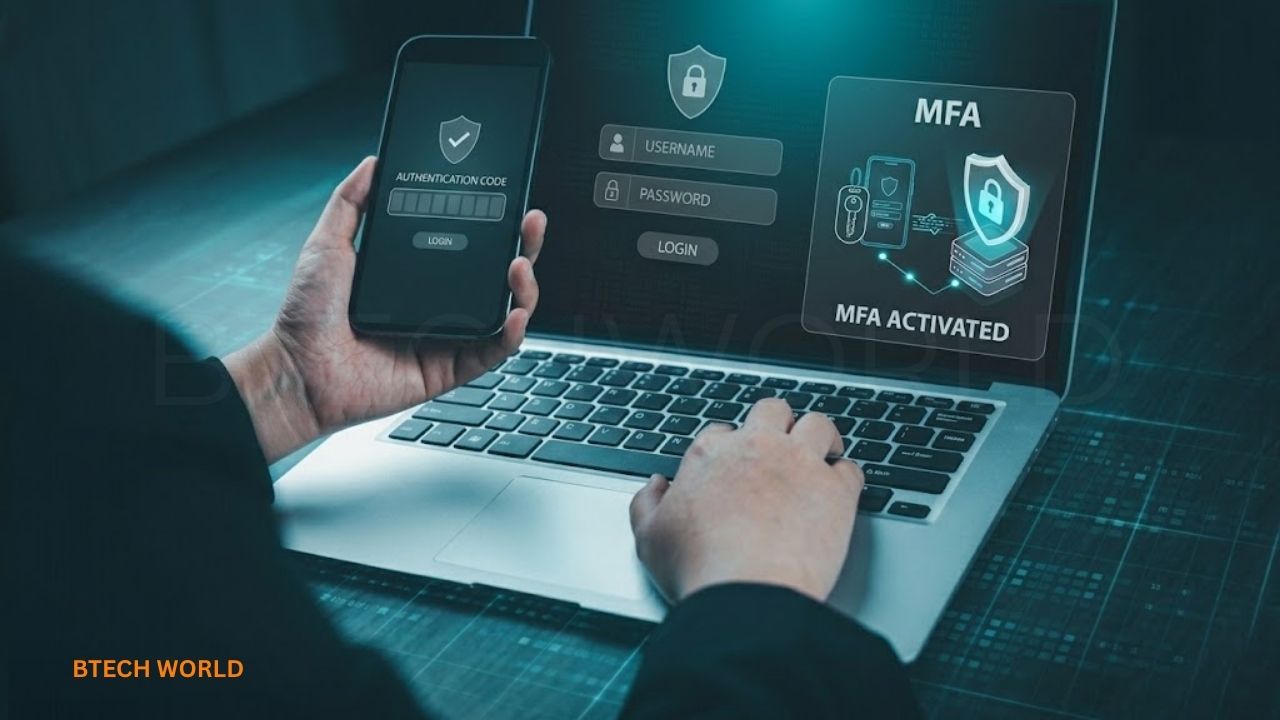
How Two Factor Authentication Protects Your Online Accounts

Two Factor Authentication is an important security method that helps protect your online accounts from unauthorized access. It adds an extra verification step when you sign in, making it harder for someone to access your account even if they discover your password. Instead of relying only on information you know, such as a password, two-factor authentication requires another form of proof, such as a code from an authenticator app, a security key, or an approved device.
Today, people use online accounts for email, banking, shopping, social media, education, business, and cloud storage. If someone gains access to these accounts, they may steal personal information, misuse financial details, or impersonate the account owner. Two Factor Authentication, often called 2FA, adds another layer of protection that can reduce these risks. Understanding how it works, which methods are safest, and how to enable it can help you protect your digital identity more effectively.
What Is Two Factor Authentication?
Two Factor Authentication is a login security process that requires two different types of verification to confirm your identity. The first factor is usually your password. The second factor might be a code generated by an authenticator app, a physical security key, or another supported verification method. The idea is to make account access depend on more than one kind of evidence.
For example, imagine entering your password to sign in to your email account. The service then asks you to approve a request on your phone or enter a temporary code. Even if another person has stolen your password, they may be unable to complete the login without the additional factor. This extra step does not make an account impossible to compromise, but it can significantly strengthen protection against password theft and reuse.
How Two Factor Authentication Works
The process usually begins when you enter your username or email address and password. If two-factor authentication is enabled, the service requests another form of verification before completing the sign-in. Depending on your selected method, you may receive a notification, enter a temporary code, connect a security key, or approve the login using a supported passkey or device-based process.
After the second factor is successfully verified, the service grants access according to its security rules. Some websites remember trusted devices for a limited period, while others request verification more frequently or when a login appears unusual. The exact process varies between services. Two Factor Authentication is therefore not one single technology; it is a security approach implemented through different methods.
Understanding the Two Authentication Factors
Authentication factors generally fall into three categories. The first is something you know, such as a password or PIN. The second is something you have, such as a registered phone, authenticator device, or security key. The third is something you are, referring to a biometric characteristic such as a fingerprint or facial recognition.
Two-factor authentication uses two distinct categories, not simply two questions of the same type. For example, requiring two different passwords does not normally count as two-factor authentication because both are based on something you know. A password combined with a device-based verification method represents a clearer example of two separate factors.
Why Two Factor Authentication Matters
Passwords alone can be exposed through phishing attacks, data breaches, malware, or password reuse. Many people use the same password across several websites, which means a breach at one service may put other accounts at risk. Attackers can use stolen credentials to attempt logins elsewhere, sometimes automatically and at large scale.
Two Factor Authentication adds a barrier to these attacks. A stolen password may no longer be sufficient to sign in, depending on the second factor and the attack involved. This is especially valuable for email, financial services, social media, cloud accounts, and work systems. The added protection is not absolute, however, because some verification methods can themselves be stolen, intercepted, or manipulated.
Main Types of Two Factor Authentication
Different authentication methods offer different levels of convenience and security. Some rely on codes delivered over a communication channel, while others use cryptographic methods designed to make impersonation more difficult. Choosing the most suitable option depends on what the account provider supports, your risk level, and whether you can keep the method available when needed.
Whenever possible, consider security options that resist phishing rather than relying only on codes that can be copied or entered into a fraudulent website. CISA recommends stronger phishing-resistant options, such as security keys, when available. The following methods explain how common forms of 2FA work and what to consider before choosing one.
1. Authentication Apps
Authenticator apps generate temporary verification codes or provide supported approval requests. After you connect the app to an account, it can help verify your identity during sign-in. Many code-generating apps work without requiring a mobile network connection for each code, which can be convenient when traveling or when phone reception is poor.
An authenticator app is often a stronger choice than text-message codes, although security depends on how the app and account are configured. Protect your phone with a strong screen lock, keep recovery information safe, and use an approved backup or transfer method when changing devices. Never share an authentication code with someone who contacts you unexpectedly.
2. SMS Verification Codes
SMS-based authentication sends a temporary code to a registered phone number. It is familiar and relatively simple to use, which is why many services have offered it as an additional login step. A user enters the received code after entering a password, allowing the service to complete the verification process.
However, text-message codes have weaknesses. Criminals may attempt SIM-swapping attacks, exploit phone-number recovery processes, or trick users into revealing their codes. SMS verification is generally better than using only a password, but stronger methods should be preferred when available, particularly for accounts containing sensitive information.
3. Push Notifications
Push-based authentication sends an approval request to a registered application or device. The user checks the request and approves or denies it. Some services include number matching, where the user must select or enter a number displayed during the login process, helping reduce accidental approvals.
Push notifications are convenient, but users should never approve a login they did not initiate. Repeated unexpected requests may indicate that someone has obtained a password and is attempting to pressure the account owner into granting access. Deny unfamiliar requests and change your password through the service’s official website if you suspect unauthorized activity.
4. Physical Security Keys
A physical security key is a hardware device used to verify a login. It may connect through USB, use NFC, or support another compatible connection. Depending on the service and configuration, the user taps or inserts the key during sign-in to confirm possession of the registered device.
Security keys that use phishing-resistant protocols can provide strong protection against fake login pages because authentication is tied to the legitimate service’s identity. They can be especially useful for administrators, professionals, and people with valuable accounts. Keep the key secure, and register a backup key or another approved recovery method when the service supports it.
5. Biometrics and Device-Based Authentication
Fingerprint recognition and facial recognition can help users unlock a device or approve an authentication process. In many modern systems, biometric information is checked locally on the device, which then participates in the login using a supported security mechanism. The biometric feature itself is not automatically a separate online authentication factor in every situation.
Passkeys are another important development. They use cryptographic credentials associated with a service and can often be unlocked using a device PIN or biometric check. Passkeys are designed to resist phishing and can provide a simpler alternative to traditional passwords. The exact setup and synchronization options depend on the service and device ecosystem.
Two Factor Authentication vs. Multi-Factor Authentication
Two Factor Authentication and Multi-Factor Authentication are closely related terms. 2FA requires two distinct authentication factors, while MFA is the broader category for using two or more factors. All properly implemented 2FA is a form of MFA, but an MFA setup can involve more than two factors.
For everyday users, the terms often appear in similar security settings. The important question is which verification methods are actually required and how effectively they protect the account. A system that uses stronger, phishing-resistant methods can offer better protection than one that relies on easily intercepted codes, even if both are described as multi-factor authentication.
How to Enable Two Factor Authentication
Enabling Two Factor Authentication usually takes only a few minutes. Although the menus differ across services, the process follows a similar pattern. Begin with the account’s official website or application rather than following a setup link from an unexpected message. Make sure you are signing in to the legitimate service before changing security settings.
- Open your account settings: Sign in to the service and find Security, Privacy, or Login Settings.
- Locate the authentication option: Look for Two-Factor Authentication, Two-Step Verification, or Multi-Factor Authentication.
- Choose a method: Select an authenticator app, security key, passkey, or another supported option.
- Complete registration: Follow the service’s instructions to connect your selected device or method.
- Test the login: Confirm that the new method works before relying on it.
- Save recovery information: Store any backup codes or other recovery details in a secure place.
If possible, configure a backup method before you lose access to your primary device. Some services require additional verification to recover an account, and account recovery can become difficult if all registered devices and contact methods are unavailable.
Important Accounts to Protect With 2FA
Not every online account carries the same level of risk. Start with accounts that could allow someone to access many other services, especially your main email account. Email is often used for password resets, account notifications, and identity verification, so an attacker who controls it may be able to take over additional accounts.
You should also prioritize banking and payment accounts, password managers, social media, cloud storage, shopping accounts containing payment details, and work systems. Business administrators and people who manage customer information should pay particular attention to accounts with elevated privileges. Use the strongest authentication method supported by each service, especially where financial or sensitive personal information is involved.
Benefits of Two Factor Authentication
One key benefit of 2FA is that it reduces dependence on passwords as the only means of account verification. Even a strong password can be exposed in a breach or entered into a fake website, but an additional factor may prevent an attacker from completing the login. This makes two-factor authentication an important part of an overall account-security strategy.
Another benefit is the added protection it can provide across multiple services. When users enable appropriate authentication methods for email, social networking, banking, and workplace accounts, they make it more difficult for stolen passwords to lead directly to unauthorized access. Some services also provide login alerts that help users notice unusual sign-in activity and respond more quickly.
Limitations and Security Risks
Two Factor Authentication is not a guarantee that an account cannot be compromised. Attackers may use phishing pages that relay codes in real time, trick people into approving fraudulent login prompts, exploit weaknesses in account recovery, or steal an already authenticated session. A compromised device can also undermine security if malware captures information or manipulates the login process.
Another challenge is losing access to the registered phone, authenticator app, or security key. Users who fail to prepare for recovery may find it difficult to regain access to their accounts. A good approach combines 2FA with unique passwords, secure devices, careful review of login requests, and a recovery plan that does not create an easy route for attackers.
Common Two Factor Authentication Mistakes
One common mistake is sharing verification codes with other people. Legitimate services generally do not need you to read a sign-in code to an unexpected caller or send it through a chat. Scammers may pretend to be support representatives, colleagues, or security staff to obtain the code that completes their login attempt.
Another mistake is enabling 2FA without saving recovery information or registering a backup method. Users may also approve unexpected push notifications because they appear repeatedly. Avoid these problems by protecting codes, reviewing each approval request, registering backups where possible, and using a unique password for every important account.
Best Practices for Stronger Account Security
To get the most from Two Factor Authentication, combine it with other basic security measures. Use a password manager to create and store unique passwords, keep your operating system and applications updated, and protect your devices with screen locks. Review recovery email addresses and phone numbers periodically to ensure they still belong to you.
Prefer passkeys or phishing-resistant security keys when supported and appropriate for the account. If you use an authenticator app, secure the device and follow the provider’s instructions for backups and transfers. Be cautious with links in unexpected messages, and navigate directly to a service’s official website when reviewing account security. A small amount of preparation can help prevent both unauthorized access and avoidable account lockouts.
Final Thoughts
Two Factor Authentication helps protect online accounts by requiring an additional form of verification beyond a password. It can make it more difficult for criminals to use stolen credentials and is especially valuable for email, financial services, social media, cloud storage, and work accounts. Authenticator apps, security keys, passkeys, and other supported methods offer different balances of convenience and security.
The best approach is to enable 2FA on important accounts, choose phishing-resistant methods when practical, and prepare safe recovery options. Continue using unique passwords, keep devices updated, and never share authentication codes or approve unfamiliar login requests. No single security measure prevents every attack, but combining strong authentication with careful online habits provides a much stronger foundation for protecting your digital identity.
Frequently Asked Questions
What is Two Factor Authentication?
Two Factor Authentication is a security method that requires two different types of evidence to verify your identity during login. A password combined with an authenticator method is one common example.
Is Two Factor Authentication necessary?
It is strongly recommended for important accounts, especially email, banking, social media, cloud storage, and work systems. It adds protection beyond a password and can reduce the risk of unauthorized access.
Which 2FA method is the safest?
Phishing-resistant methods, such as appropriately configured security keys and passkeys, generally offer stronger protection against fake login pages than manually entered one-time codes. Availability varies by service and account.
Can hackers bypass Two Factor Authentication?
Yes, under certain circumstances. Phishing, fraudulent approval requests, compromised devices, stolen sessions, and weak recovery processes can undermine some 2FA setups. Stronger methods and careful account practices reduce these risks.
What happens if I lose my phone?
The recovery process depends on the service and method you use. You may need a backup security key, recovery codes, another registered authenticator, or the account provider’s recovery process. Prepare a recovery option before losing your device.
Is SMS verification secure?
SMS verification offers more protection than using only a password, but it is vulnerable to attacks such as SIM swapping and social engineering. Prefer a stronger method when the service supports one.
Does Two Factor Authentication protect every login?
Not necessarily. Some services remember trusted devices or request extra verification only under certain conditions. Protection also depends on whether the account, device, and authentication method remain secure.
What is the difference between 2FA and MFA?
2FA uses two distinct authentication factors. MFA is the broader term for requiring two or more factors, so properly implemented 2FA is one form of MFA.
Explore More BTECH WORLD