
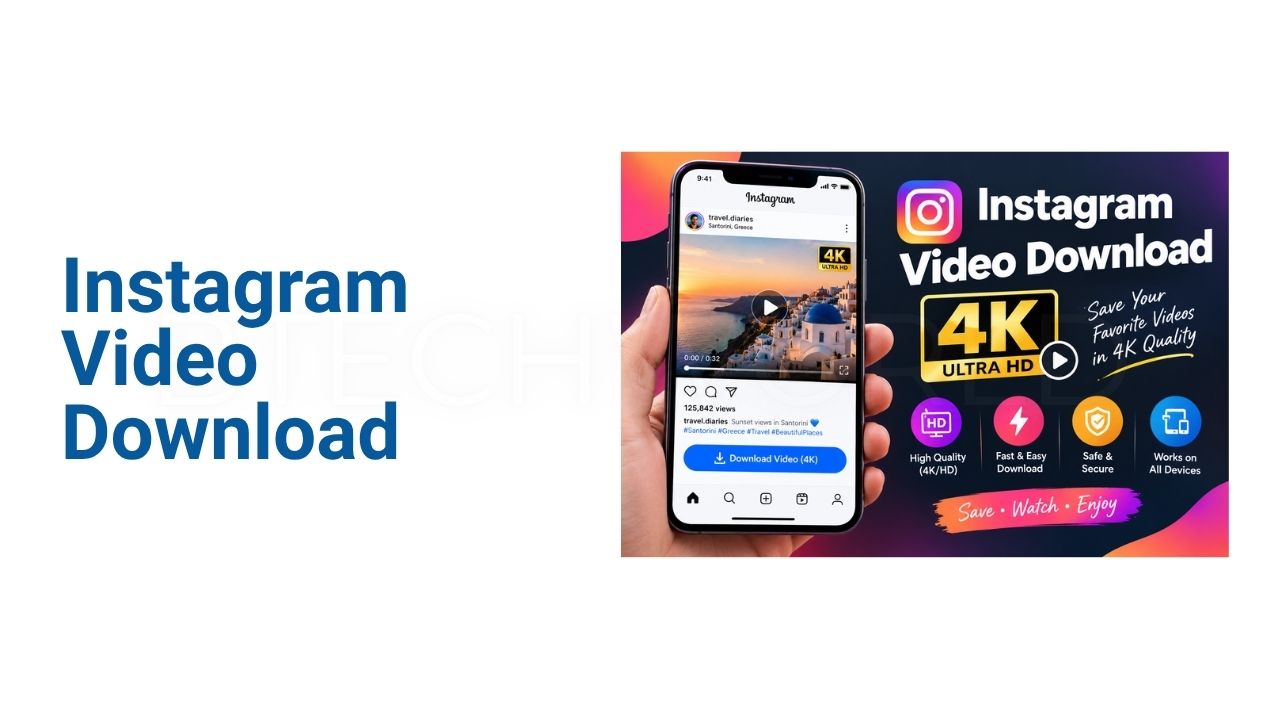
Instagram Video Download 4K: How to Download Instagram Videos in High Quality

Instagram Video Download has become one of the most popular platforms for watching short videos, Reels, tutorials, travel clips, and entertaining content. Sometimes, users want to save a video for offline viewing or keep a copy of content they have permission to use. An Instagram Video Download 4K method can help users save compatible videos while maintaining better visual quality. However, the final resolution depends on the original upload, Instagram’s processing, and the download method. Users should also respect copyright, privacy, and Instagram’s rules when saving or reusing content.
What Is Instagram Video Download 4K?
Instagram Video Download refers to saving an Instagram video at a resolution of up to 4K when that quality is actually available. 4K generally means around 3,840 × 2,160 pixels for standard UHD video.
Not every Instagram video is uploaded in 4K. Many clips are recorded or uploaded at lower resolutions. Therefore, a downloader cannot create genuine 4K detail from a low-resolution source. If the original video is available in high quality, a suitable download method may preserve more of its detail.
Why Download Instagram Videos in High Quality?
High-resolution videos can look sharper on larger screens. This matters when users want to watch saved content on a computer, television, or high-resolution smartphone.
Quality can also matter for personal archives. A compressed video may lose visible detail, especially around faces, text, backgrounds, and fast-moving objects. Saving the highest available version can provide a better offline viewing experience.
However, higher resolution usually means a larger file. A 4K video can require considerably more storage than a standard-resolution clip.
How Instagram Video Download Works
Most online Instagram download tools follow a simple process. The user copies the URL of an eligible Instagram post or Reel and places it into the downloader’s input field.
The service then attempts to locate the publicly accessible media associated with that URL. If the content is available and the service supports the format, the user may receive an option to save the video.
The exact quality depends on what is available from the source. A tool claiming “4K” does not necessarily mean every Instagram video will download in genuine 4K.
Step-by-Step Guide to Download Instagram Videos
Copy the Instagram Video Link
Open Instagram and find the video you want to save. Use Instagram’s sharing options to copy the link to the content.
Make sure you have permission to download and reuse the video when required. Saving a video for personal viewing is different from republishing someone else’s work.
Use a Compatible Downloader
Open a reputable Instagram video downloading service and locate its URL input box. Paste the copied Instagram link into the field.
Avoid websites that request your Instagram password. A simple public-content downloader should not need your account credentials to process a publicly accessible link.
Select the Available Quality
If the downloader provides multiple quality options, choose the highest available resolution that matches your needs.
If a genuine 4K option is not available, selecting 1080p or another original-quality option may be better than choosing an artificially upscaled 4K file.
Save the Video
After selecting the available quality, follow the site’s download instructions. The video will normally be saved to the device’s download folder or another location selected by the browser.
Check the downloaded file before sharing or editing it. Confirm that the video plays correctly and that the quality meets your expectations.
Can Every Instagram Video Be Downloaded in 4K?
No. This is an important point.
The availability of 4K depends on the source video. If a creator uploaded a video at 720p or 1080p, downloading it cannot turn the original footage into genuine 4K.
Some tools may label an upscaled file as 4K. Upscaling increases the pixel dimensions, but it does not recreate the missing detail from the original recording.
For authentic high-quality results, the source itself needs to contain sufficient resolution and detail.
Instagram Reels and High-Quality Downloads
Reels are one of Instagram’s main video formats. Users often want to save Reels because they contain tutorials, recipes, travel ideas, educational clips, and entertainment.
The same quality principle applies to Reels. The downloaded file can only preserve the quality that is available through the source and supported by the download process.
If a Reel belongs to another creator, users should avoid reposting it without appropriate permission. Downloading content and having the right to redistribute it are two different things.
Instagram Video Download on Mobile Devices
Downloading videos on a smartphone can be convenient because Instagram is primarily used through mobile devices.
Android and iPhone users can generally copy a compatible Instagram link and use a browser-based service when appropriate. However, users should be careful with websites that display aggressive advertisements, unexpected redirects, or requests for unnecessary permissions.
It is also important to check available storage. High-quality videos can consume significant space when downloaded in large quantities.
Instagram Video Download on PC
A computer can be useful when users need to save multiple videos for legitimate personal or work-related purposes.
The larger display also makes it easier to inspect video quality before saving. Users can check the downloaded file’s resolution, format, and size through their operating system’s file information.
For editing workflows, a high-quality source can also provide better results than a heavily compressed copy.
Common Problems With Instagram Video Downloads
The Video Is Not Available
A link may stop working if the original content has been deleted or its visibility has changed. Private content may also not be accessible through ordinary public downloading methods.
The Downloaded Video Looks Blurry
A blurry result may indicate that the original video was uploaded at a lower resolution or that the downloading process selected a compressed version.
Choosing a higher available source quality can help, but it cannot restore details that were never present.
The File Has No Sound
Some services may process audio and video separately or have limitations with particular Instagram formats. Trying another legitimate method may resolve the issue.
Users should also check whether the original video actually contains an audio track.
The Downloaded File Is Too Large
High-quality video requires more storage. If file size becomes a problem, a lower resolution such as 1080p may provide a useful balance between quality and storage.
Is Instagram Video Download Safe?
Safety depends heavily on the website or application being used. Users should avoid download services that request Instagram usernames, passwords, authentication codes, or unnecessary personal information.
Be cautious with suspicious download buttons and browser pop-ups. Some websites use misleading advertisements that can make it difficult to identify the genuine download option.
Keeping the browser, operating system, and security software updated can also reduce exposure to common online threats.
Copyright and Privacy Considerations
Downloading a video does not automatically give someone ownership of that content. Videos created by other people may be protected by copyright or other rights.
Users should obtain permission before republishing, commercially using, editing, or distributing someone else’s video when permission is required.
Privacy also matters. Private or personal content should not be downloaded or shared without appropriate authorization. Responsible downloading means considering both the creator’s rights and the purpose for which the video will be used.
Best Practices for High-Quality Instagram Downloads
For better results, start with the original Instagram link rather than a reuploaded copy. Choose the highest genuine quality offered by the available source.
Avoid tools that make unrealistic promises about converting every video into real 4K. Check the resulting file’s resolution and quality instead of relying only on the downloader’s marketing claims.
Finally, keep downloaded files organized and remove videos that are no longer needed. This can prevent unnecessary storage use, especially when saving large high-resolution files.
Conclusion
Instagram Video Download 4K can be useful for saving compatible Instagram videos in high quality for legitimate offline viewing or authorized use. However, genuine 4K quality depends on the original video and the resolution available from the source.
Users should choose reliable tools, avoid sharing account credentials, and remain careful with suspicious websites. Most importantly, downloading should not be confused with permission to republish or commercially use someone else’s content. By combining good download practices with respect for copyright and privacy, users can enjoy saved Instagram videos more safely.
Frequently Asked Questions
Can I download any Instagram video in 4K?
No. Genuine 4K quality depends on the resolution and quality of the original source video.
Does downloading an Instagram video reduce its quality?
It can. Some download methods may provide compressed versions. Choosing the highest available source quality can help preserve detail.
Can I download Instagram Reels in high quality?
Compatible Reels may be saved in the highest quality available through the supported download method. The original upload quality remains an important limitation.
Do Instagram video downloaders need my password?
A legitimate public-content downloader generally should not require your Instagram password. Avoid services that request unnecessary account credentials.
Can I repost a downloaded Instagram video?
Not necessarily. Downloading a video does not automatically grant permission to repost, edit, or commercially use it. Check the creator’s rights and obtain permission when required.
Explore More: BTECH WORLD