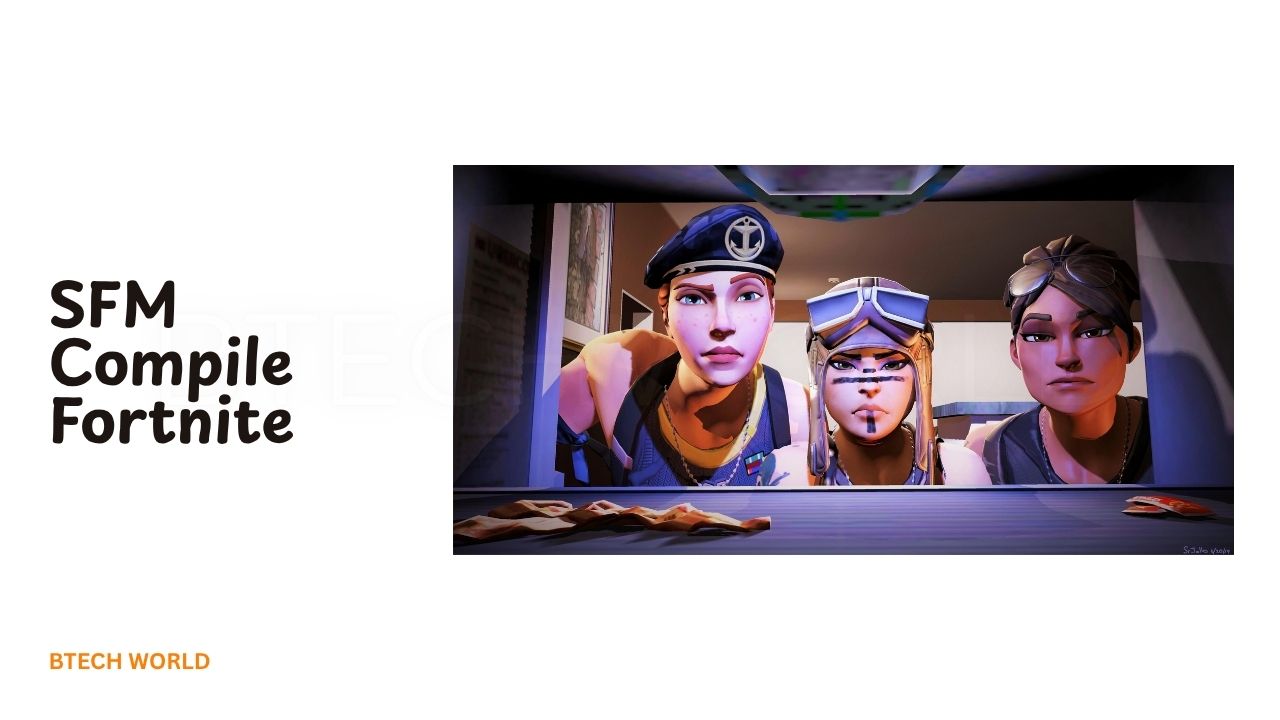
SFM Compile Fortnite Complete Guide to Compiling Fortnite SFM Projects

SFM Compile Fortnite refers to the process of preparing Fortnite-related 3D assets so they can be used inside Source Filmmaker (SFM). Source Filmmaker is built around Valve’s Source engine, while Fortnite uses Unreal Engine technology. Because these environments use different model, material, and animation systems, Fortnite assets cannot simply be dropped into SFM and expected to work.
Creators therefore use a conversion workflow that can involve Blender, Source-compatible exporters, material tools, and a model compiler. The general process is to prepare the asset, adapt its skeleton and materials, export the required files, and compile them into formats that SFM understands. Community tutorials and SFM discussions have used this general approach for years.
Why Fortnite Models Need to Be Converted
Fortnite models are designed for an Unreal Engine environment, while SFM expects assets prepared for the Source engine. These engines handle meshes, skeletons, textures, materials, and animations differently.
That difference is why simply changing a file extension does not work. Community SFM users have specifically pointed out that a model needs to be prepared through a modeling program and then compiled for Source rather than simply renamed as an .mdl file.
The conversion process essentially creates a bridge between the original asset and SFM’s older Source-based pipeline.
Tools Commonly Used for Fortnite SFM Projects
A Fortnite SFM project can require several different tools. Blender is commonly used to inspect, clean, rig, and prepare 3D models. Source-compatible tools can then export the prepared model into formats that the Source compiler understands.
Crowbar is another commonly used utility in the SFM community. It can provide access to Source model compilation and decompilation workflows. Community tutorials also commonly pair Blender, Crowbar, texture tools, and QC files when preparing custom models for SFM.
The exact toolchain can vary depending on whether you are working with a character, prop, animation, or another type of asset.
Preparing a Fortnite Model for SFM
The first practical stage is preparing the model outside SFM. A converted asset may contain geometry, textures, materials, and a skeleton that were created for a completely different engine.
Blender can be used to inspect the model and correct problems before export. This can include checking scale, removing unwanted geometry, correcting UVs, organizing materials, and preparing the skeleton.
This stage is important because errors introduced before compilation can become much harder to diagnose after the model has been converted into Source files.
Rigging Fortnite Characters
Character models require more work than simple static props. A Fortnite character may use a skeleton and bone hierarchy that does not match what SFM expects.
The rig therefore needs to be adapted so the character can be posed and animated correctly. Bone names, hierarchy, orientations, and deformation behavior all matter.
If the rig is poorly prepared, the character may appear distorted when a pose is applied. Arms can rotate incorrectly, feet may move unexpectedly, or the entire model can behave differently from the original Fortnite version.
Converting Materials and Textures
Materials are another major challenge. Modern games can use physically based rendering and sophisticated material systems, while classic Source workflows rely on Source material definitions.
Textures may therefore need to be converted into Source-compatible formats and connected through material scripts. Community Fortnite-to-SFM tutorials commonly use texture conversion tools and .vmt material definitions as part of this stage.
The goal is not always to reproduce every original visual effect. Instead, the creator needs to create a material setup that produces an attractive and stable result inside SFM.
Understanding SMD, DMX, and MDL Files
Several Source-related file formats can appear during an SFM compilation workflow. SMD can store model or animation information, while DMX is another format used by Valve’s tools for exchanging model and animation data. The final compiled model commonly uses the .mdl format.
This is why compilation is more than copying files into an SFM folder. The compiler needs instructions describing how the model, skeleton, materials, and other components should be assembled.
Using a QC File
A QC file acts as a set of instructions for the Source model compiler. It can define information such as the model name, geometry files, skeleton, materials, animations, and other compilation settings.
A simplified workflow might therefore look like:
Fortnite Asset
      ↓
Model Preparation
      ↓
Blender / Rigging
      ↓
Source-Compatible Export
      ↓
QC Configuration
      ↓
Source Model Compilation
      ↓
SFM Model
The exact QC configuration depends on the model and the features required by the project. A character with animations requires different preparation from a simple static prop.
Compiling the Model
Once the model and QC configuration are ready, a Source model compiler can process the files. Crowbar is widely used by the SFM community for this type of Source workflow. Community guides describe using it to compile prepared SMD or DMX files into Source model output.
Compilation errors are normal when working with custom models. Missing files, incorrect paths, invalid bone references, material problems, or unsupported settings can prevent a model from compiling successfully.
Adding the Compiled Model to SFM
After successful compilation, the resulting Source model files need to be placed in the appropriate SFM game directory structure.
The model and its materials must use paths that SFM can find. If the files are placed incorrectly, the model may fail to appear in the model browser or may load with missing textures.
Community workflows commonly use SFM’s usermod or another appropriate game directory for custom assets. The exact directory should match the installation and project setup being used.
Testing Fortnite Models Inside SFM
Getting the model to appear is only the beginning. Once it loads in SFM, test its important components. Start by checking the model’s scale and position. Then test individual bones and basic poses. Look for unexpected deformation, missing textures, broken materials, or unusual lighting.
For animated characters, test several movements rather than relying on a single pose. A model can look correct while standing still but reveal rigging problems when the arms, legs, or spine are animated.
Common SFM Compile Fortnite Problems
Invisible models can result from incorrect model paths or compilation problems. Purple-and-black textures generally indicate missing or incorrectly referenced materials. Broken animations can point toward skeleton or bone problems.
Another common issue is incorrect scale. A Fortnite character may appear extremely large or tiny if the conversion process uses inappropriate unit settings.
The best approach is to troubleshoot one component at a time instead of changing the entire project simultaneously.
How to Improve Model Quality
A successful compilation does not automatically produce a high-quality SFM asset. Good preparation can make a major difference.
Keep material names organized, use clean texture paths, remove unnecessary geometry, and verify the skeleton before compilation. Use simple and consistent folder structures so files are easier to locate.
It is also helpful to keep the original working files separately from the compiled SFM version. That way, you can make changes in Blender and compile the model again without rebuilding the entire project from scratch.
Fortnite SFM Animations and the Steam Workshop
Creators can also find Fortnite-related SFM assets through community resources. Steam Workshop has hosted Fortnite models and props prepared for Source Filmmaker, including character-related content and other assets.
Using an already prepared SFM asset can be considerably easier than converting a model yourself. It removes many of the technical steps involved in rigging, materials, and compilation.
However, always check the creator’s usage terms before redistributing or commercially using an asset. A model being available online does not automatically mean that its underlying game assets can be freely redistributed.
Legal and Copyright Considerations
Fortnite is owned and developed by Epic Games, and its characters, artwork, and other assets can be protected by intellectual-property rights. Creating a personal fan animation is different from redistributing extracted game assets or selling them as your own.
Before publishing or distributing a project, check the current Epic Games terms and applicable fan-content guidance. Also respect the individual creator’s license when using a community-made SFM port.
This is especially important for monetized projects. An asset being technically usable in SFM does not automatically give you commercial rights to redistribute the original game content.
Final Thoughts
SFM Compile Fortnite is essentially a conversion and compilation workflow that allows Fortnite-related models and assets to be adapted for Source Filmmaker. Because Fortnite and SFM use different engine technologies, the process requires preparation rather than simple file importing.
The typical workflow involves model preparation, Blender-based rigging or cleanup, texture and material conversion, QC configuration, Source compilation, and testing inside SFM. Community resources show that Fortnite SFM projects have been created using this general approach for years.
For beginners, starting with an existing legally usable SFM model can be easier than converting a complex character from scratch. Once the basic workflow is understood, creators can move toward more advanced custom models, animations, props, and cinematic scenes.
FAQs
What does SFM Compile Fortnite mean?
SFM Compile Fortnite generally refers to preparing Fortnite-related 3D assets so they can be compiled and used in Source Filmmaker.
Can Fortnite models be directly imported into SFM?
Generally, no. Fortnite and SFM use different engine technologies and asset formats, so models normally require conversion and Source-compatible preparation first.
Is Blender useful for Fortnite SFM models?
Yes. Blender is commonly used to inspect, clean, rig, and prepare models before they are exported for a Source Filmmaker workflow.
What is Crowbar used for in SFM?
Crowbar is a commonly used Source-engine utility that can assist with model compilation and other Source asset workflows.
Can Fortnite SFM models be shared online?
Sharing depends on the rights and licenses associated with the model and its source assets. Creators should check Epic’s current policies and the original asset creator’s terms before redistributing or monetizing content.
Explore More: BTECH WORLD